Create a menu with multiple prices
Create menus with multiple prices for your restaurant
On many occasions, we need to use several prices to create our menus, such as, for example, wine menus, tapas menus, pizza menus or drinks menus.
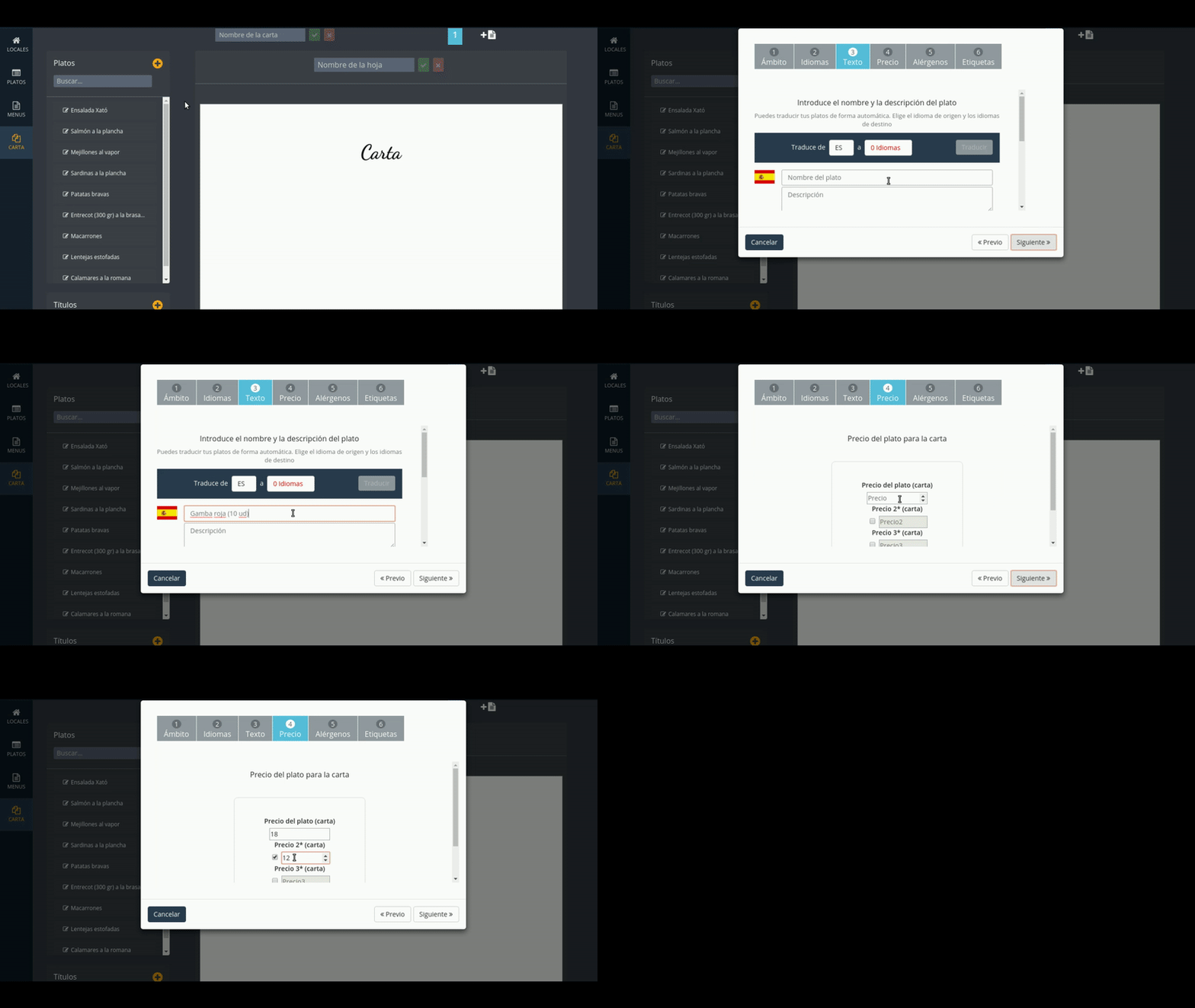
Create dishes with multiple prices
When creating or editing a plate, check the box "price 2" and / or "price 3" and enter the prices.
The "price 3" will be the one that is located on the right and the "price" will be the one that is located on the left.
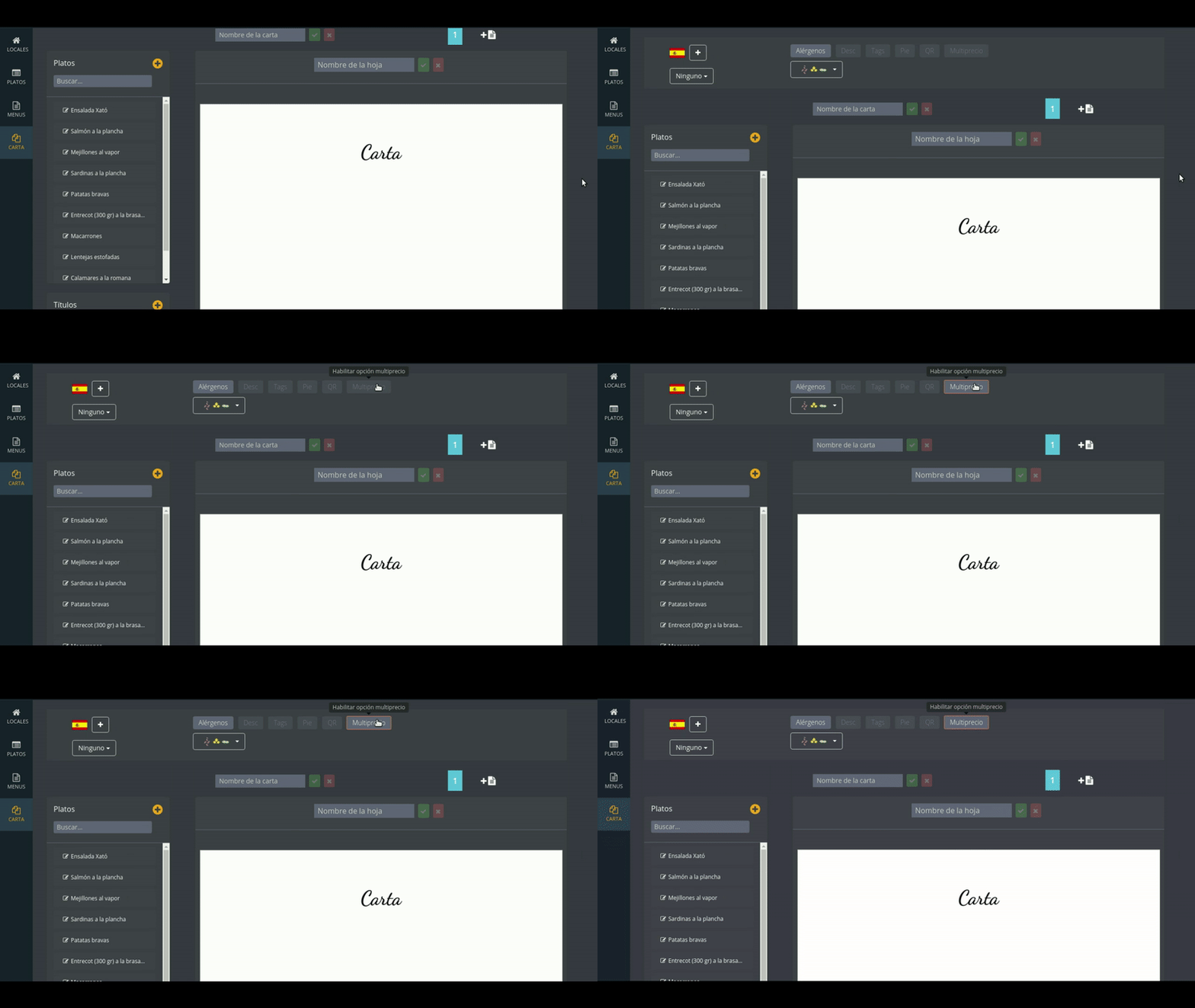
Activate the option "multi-price"
Activate the multi-price option to see the results on the sheet.
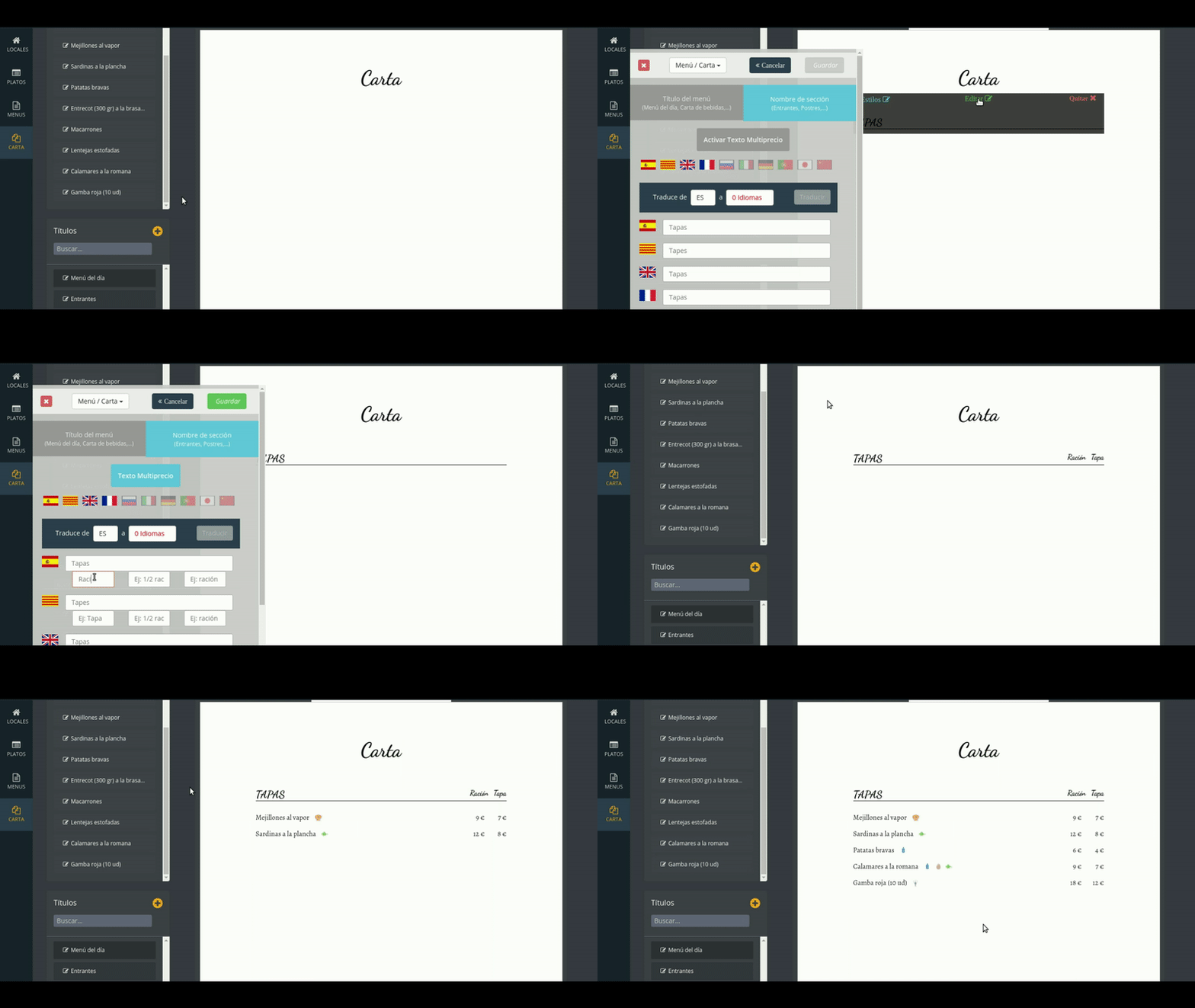
Add text to the price columns
You can add a clarifying text for each price column, such as "Cup" and "Bottle"."
You can only add this text to a subtitle. Double click on the subtitle. Press the option "Activate Multiprice Text" and enter the texts you need (maximum 3 prices).
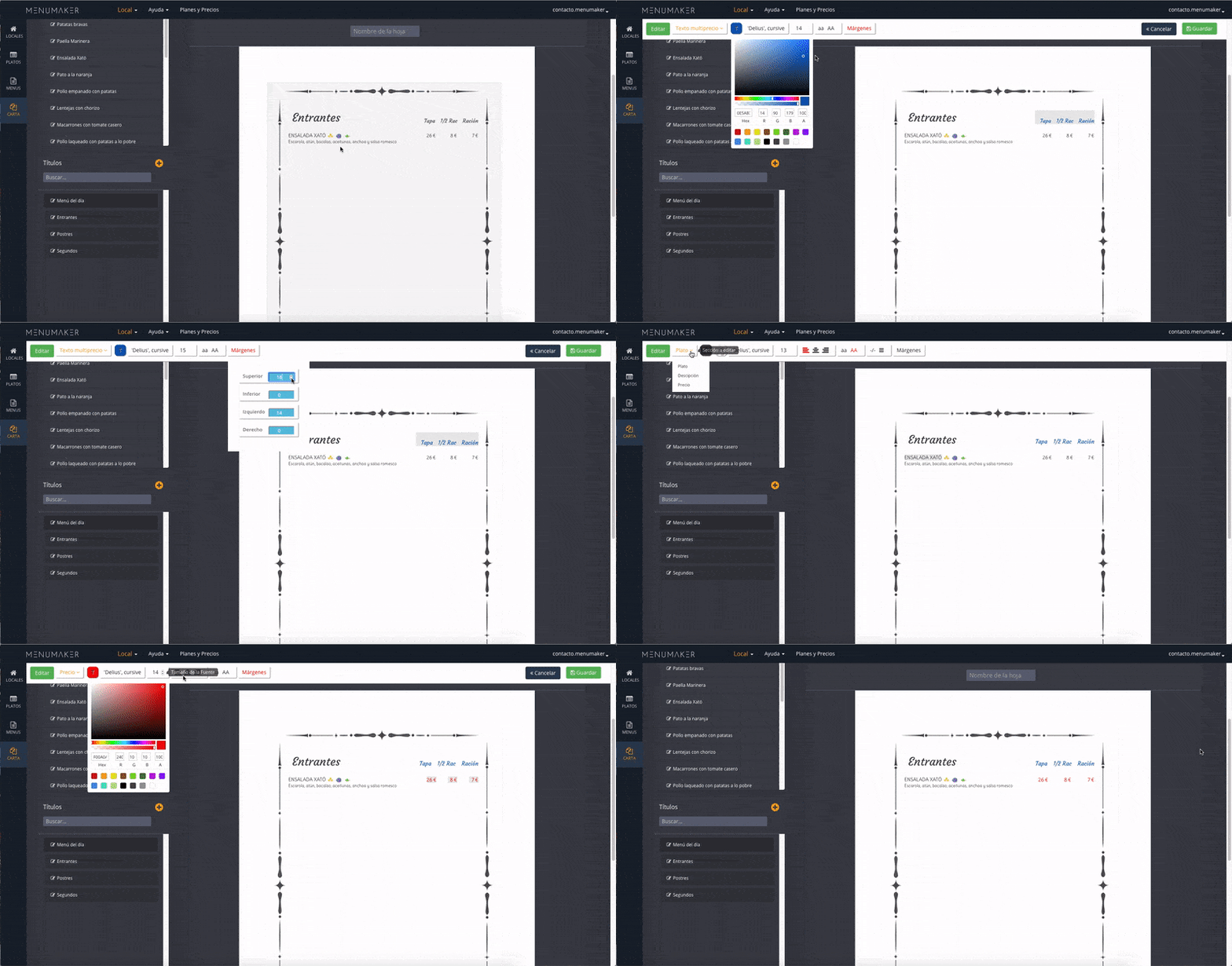
Edit styles
You can edit the styles of both the text of the columns and the prices.