The program to create your restaurant menu
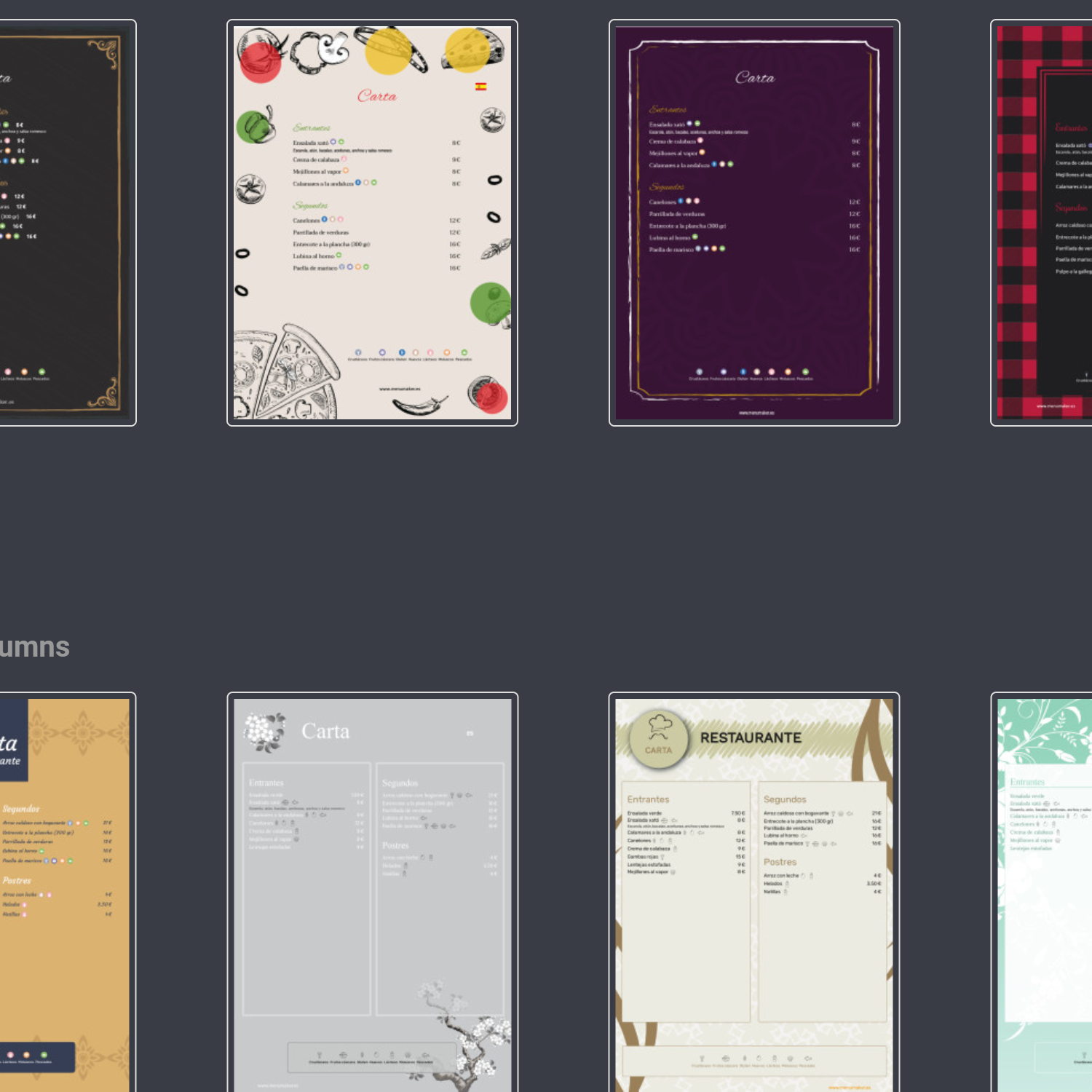
MenuMaker is the app to create restaurant menus that lets you design your restaurant menu in minutes. Choose a restaurant menu template, edit it and create your restaurant menu online, ready to print as a PDF or show as an online menu with a QR code.
It includes AI to create restaurant menus: paste your list of dishes or upload a photo and the menu builds itself. You get menu templates to edit, restaurant menu examples and professional restaurant menu design, all in one restaurant software available on menumaker online.
Frequently asked questions about QR menus and QR restaurant menus
What is a QR menu for a restaurant?
A QR menu for a restaurant is a digital menu customers open by scanning a QR code. In MenuMaker you can manage the mobile QR menu, graphic menu and PDF from the same information. A qr code menu keeps your prices and dishes always up to date.
Is a QR menu the same as linking to a PDF?
Not exactly. A linked PDF can work as a basic QR menu, but MenuMaker also creates a mobile-optimized version for reading dishes, prices, allergens and languages from a phone.
Can I have a mobile QR menu and a graphic menu for print?
Yes. You can show customers the graphic menu, similar to the printed PDF, or a mobile QR menu that is easier to browse from the QR code.
Can I change the QR menu after publishing it?
Yes. You change dishes, prices, sections, allergens or translations in MenuMaker and the QR menu updates without printing a new QR code.
What should a good restaurant QR menu include?
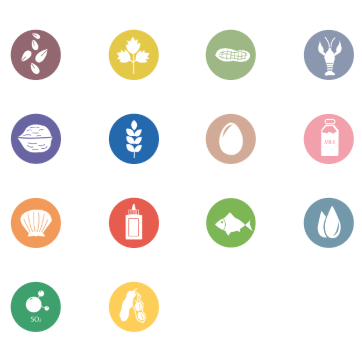
A good restaurant QR menu should be fast on mobile, have clear sections, updated prices, visible allergens, languages when needed and a printable version for the dining room or window.
What else can I do with MenuMaker?
Besides creating a QR menu, you can design menus with templates or AI, print PDFs, add allergens, translate, publish on Google, your website and social media, and manage online reservations. The home page summarizes all MenuMaker advantages.