Customize your menu's design
In this tutorial we show you how to edit your restaurant menu in just a few minutes from one of our restaurant menu templates.
Edit the design of your restaurant menu with MenuMaker
To start designing your restaurant's menu, you must first choose a template as a starting point. You can leave the template as is or edit the design, adding images, your logo or changing the font, among other things.
The following steps will guide you to edit the design of your restaurant menu in just a few minutes.
Resize and move the windows
Resize the windows and place them where you want by dragging them with the left mouse button pressed.
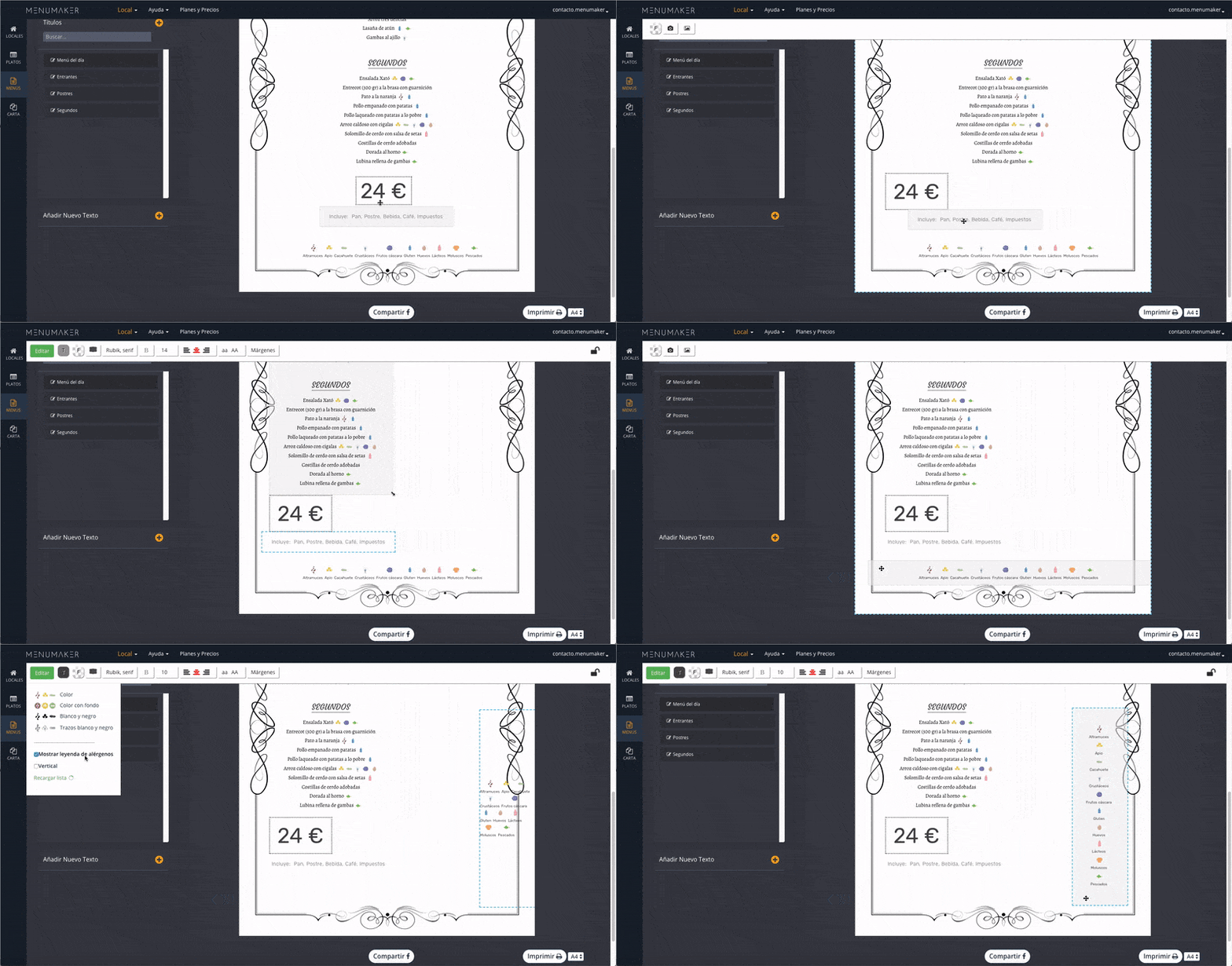
Anchor the windows
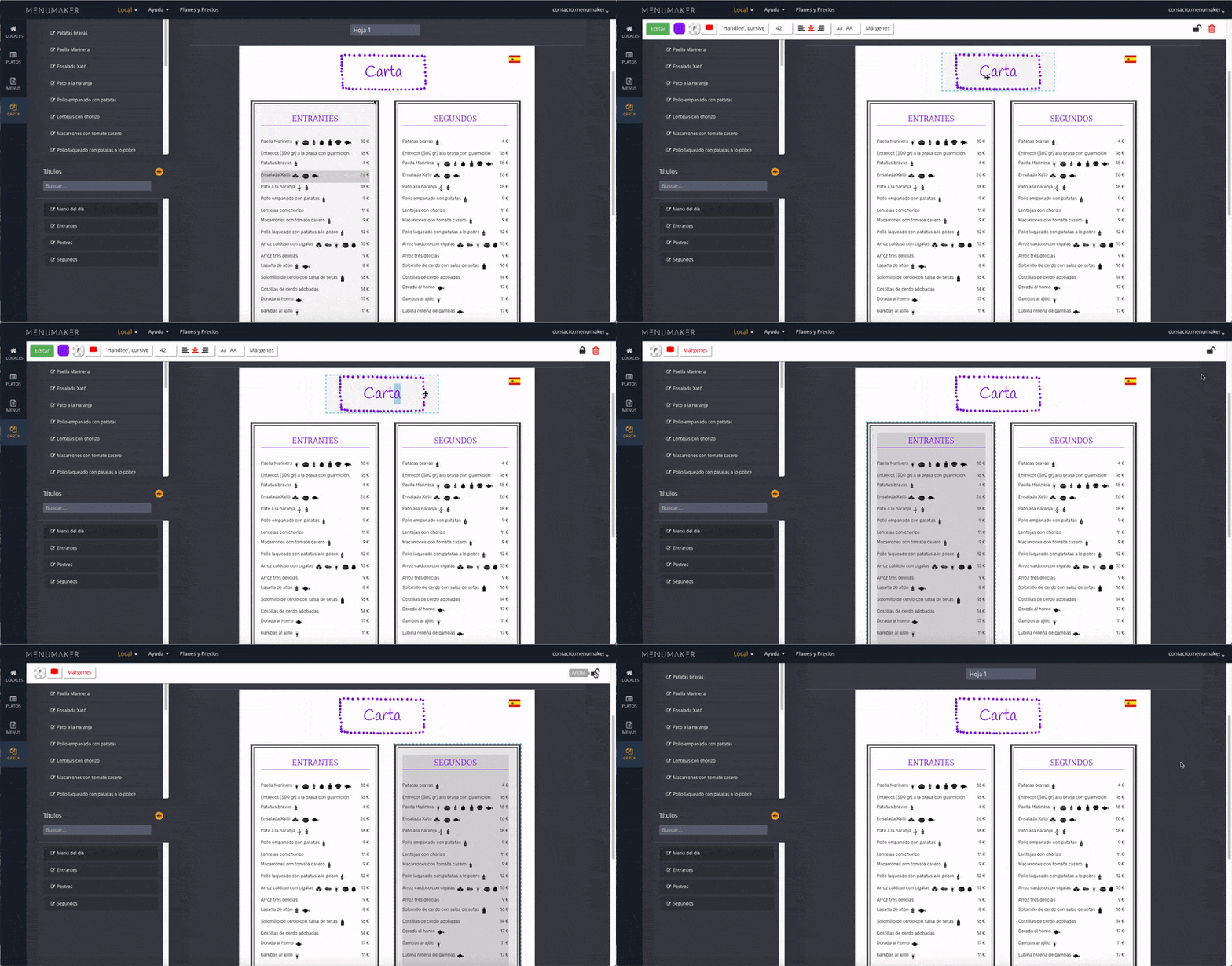
Once you have placed the windows in their correct place, you can anchor them to prevent accidentally moving them. Simply click on the padlock in the edit bar.
Add frames to the windows
You can add frames to the windows you want. Click on the window and, in the edit bar, click on "frames". You can choose the color of the frame, among other options.
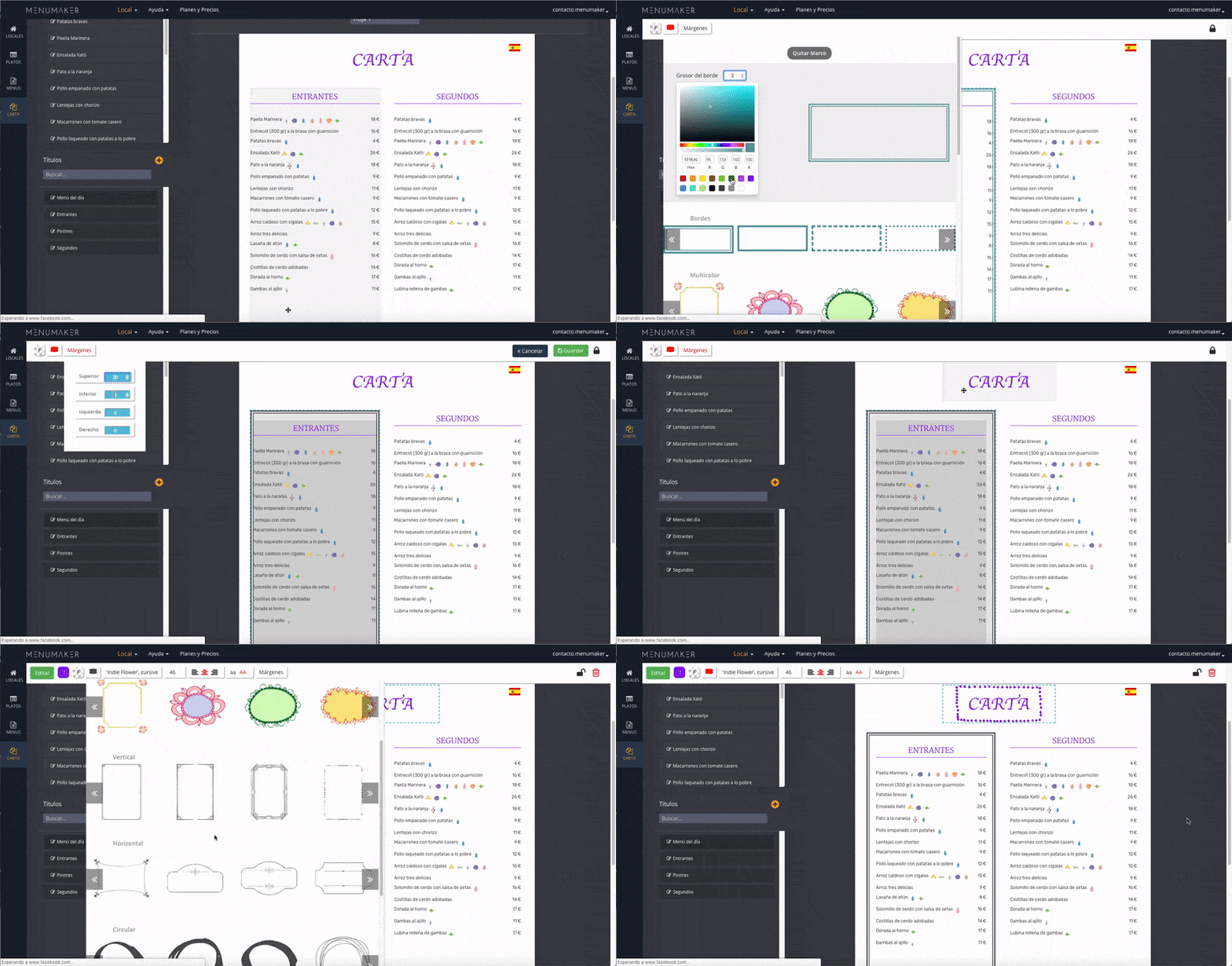
Edit the frame
In addition to being able to choose the color of the frame, you can rotate it in ratios of 90º. Unselecting the "Maintain aspect ratio" option, the frame will adjust to the dimensions of the window
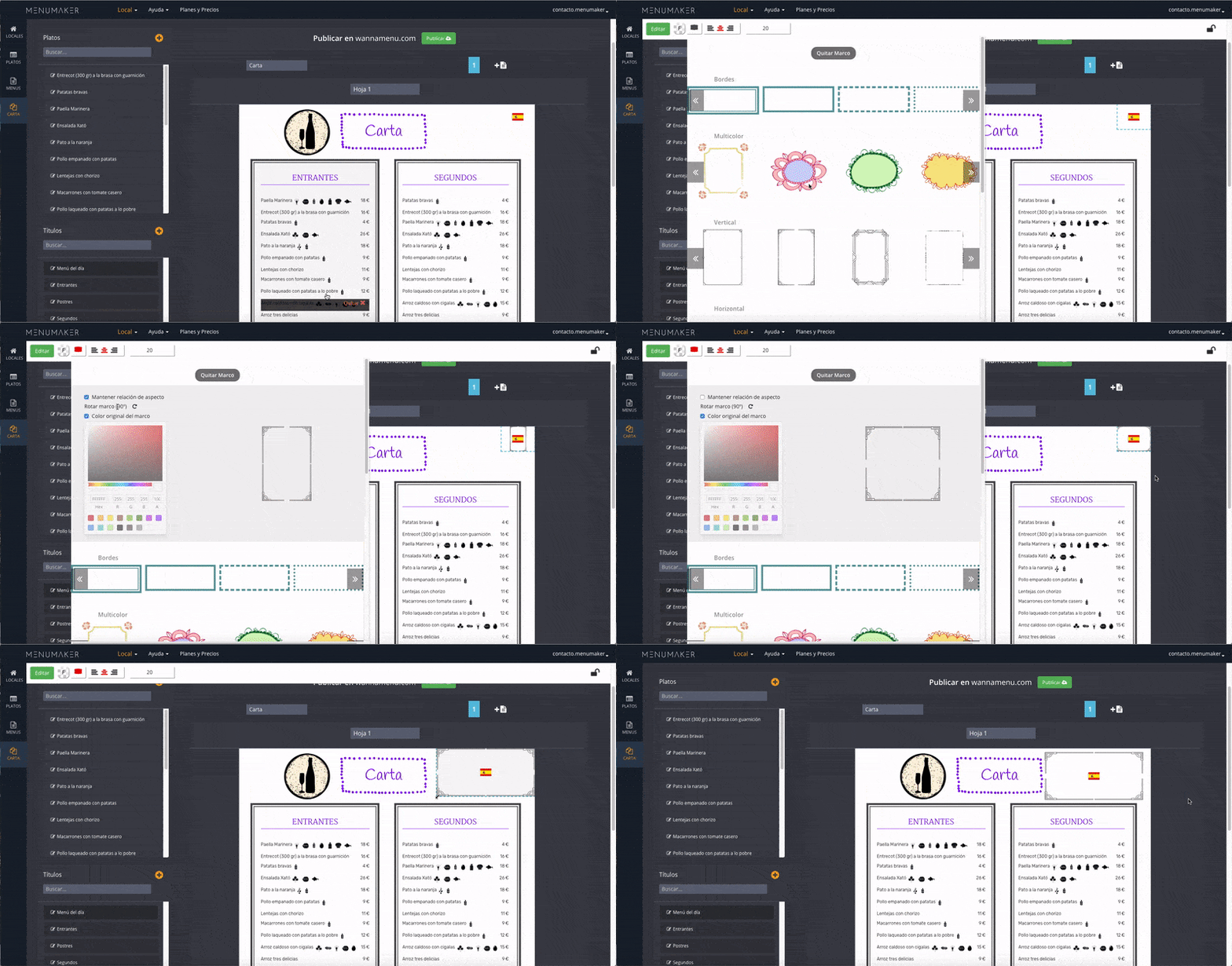
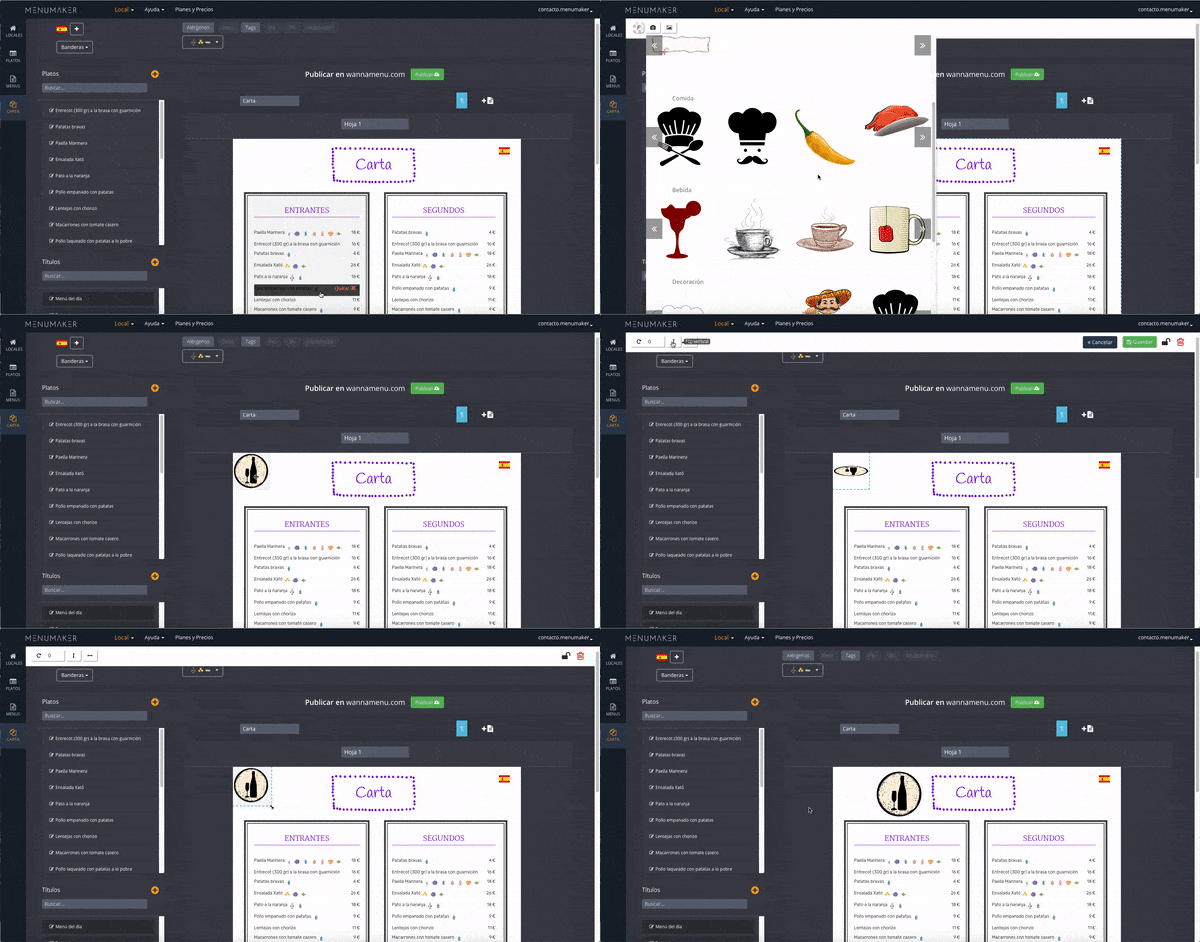
Add an image
Click on the sheet, choose the option "Add image". You can choose images from our collection or upload your own images by clicking on the "My Images" button.
Change the background
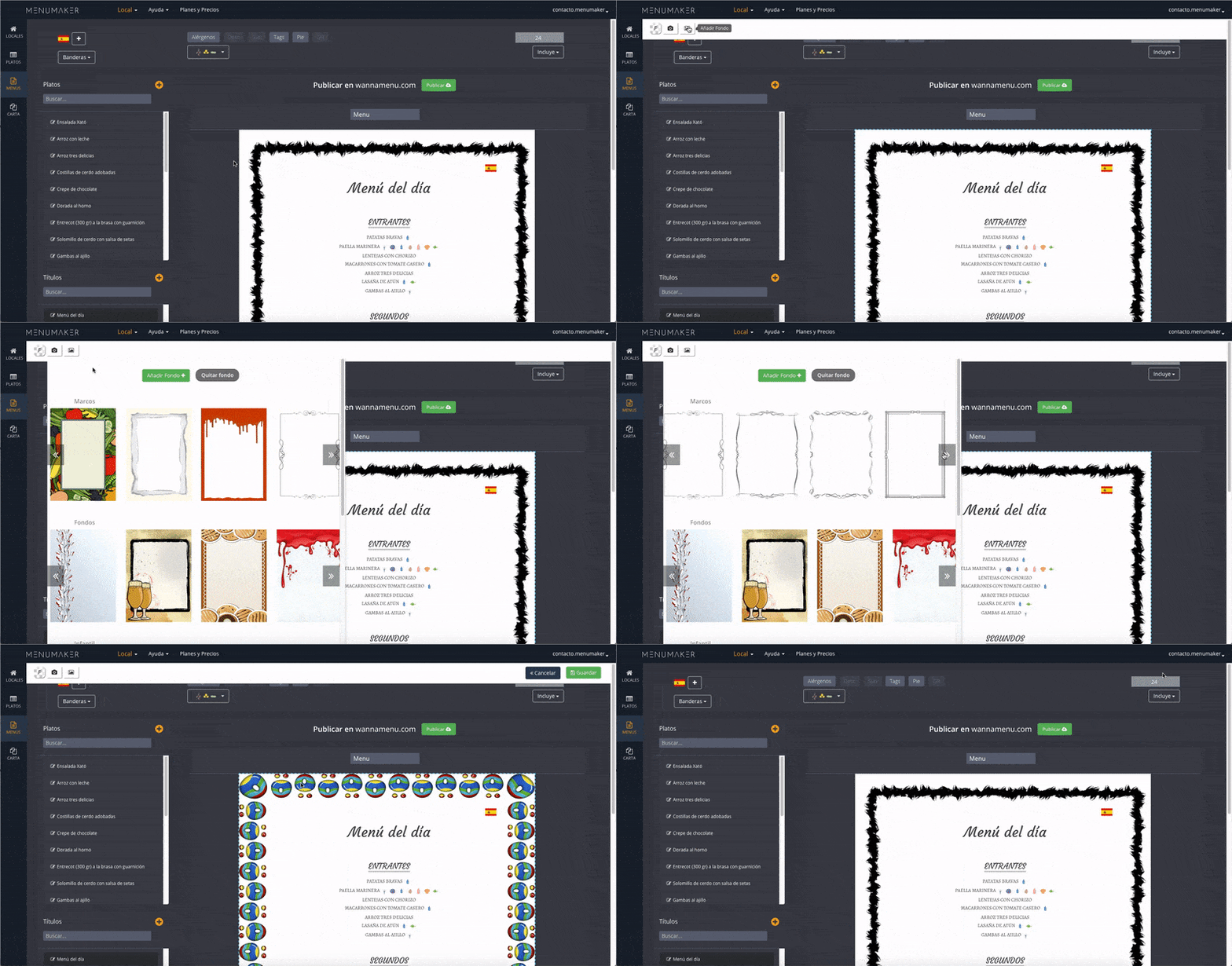
You can customize the design by changing the background of the menu for one of our collection or uploading your own designs.
QR code
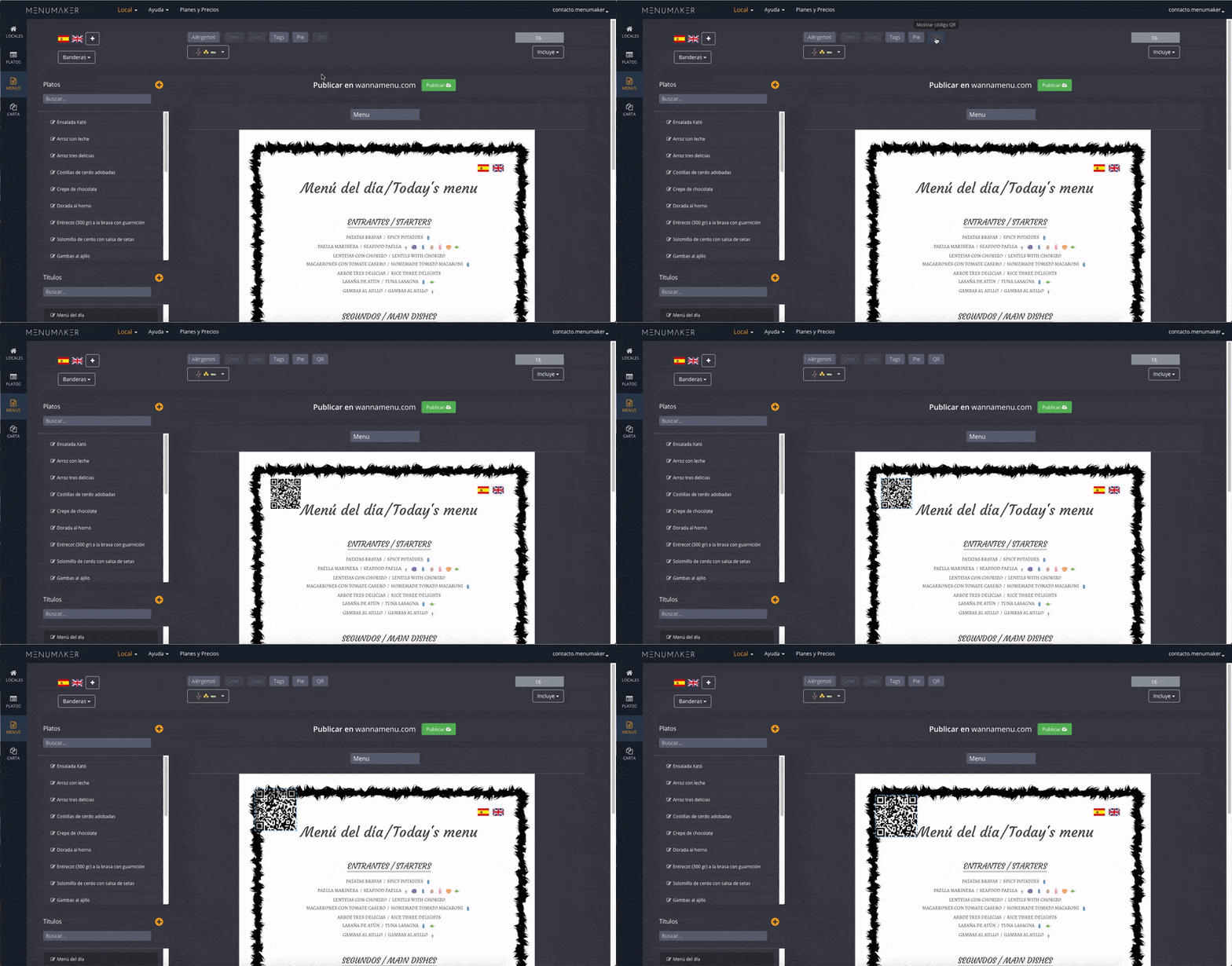
If you include a QR, when scanning the code you will be redirected to a page with your translated menu to the languages that you have chosen. You can place it where you want and change the size.
You need to have the dishes translated into the languages you want to display with your QR code.
Next tutorial:
Create menus with multiple prices